The Best Free Instagram Downloaders With No Login (2026)
The best free Instagram downloader is the boring one: it runs in your browser, never asks you to log in, saves in full quality with no watermark, and doesn’t bury you in pop-ups. That’s the whole checklist. The hard part isn’t finding a downloader — there are hundreds — it’s finding one that won’t waste your time or put your account at risk. Here’s how to spot a good one, and the tools we’d actually reach for depending on the job.
What separates a safe downloader from a sketchy one
Before you paste a link into anything, run it through these five checks:
- It never asks for your Instagram login. This is the big one. A downloader works from a public link — it has no reason to want your username and password. Anything that does is either trying to hijack your account or use it to break Instagram’s rules. See a login screen? Close the tab.
- No app to install. A good tool works in any browser on any device. “Install our app first” usually means ads, tracking, or worse.
- Full quality, no watermark. You should get the file exactly as it was posted — 1080p where the original was 1080p — with no logo stamped across it.
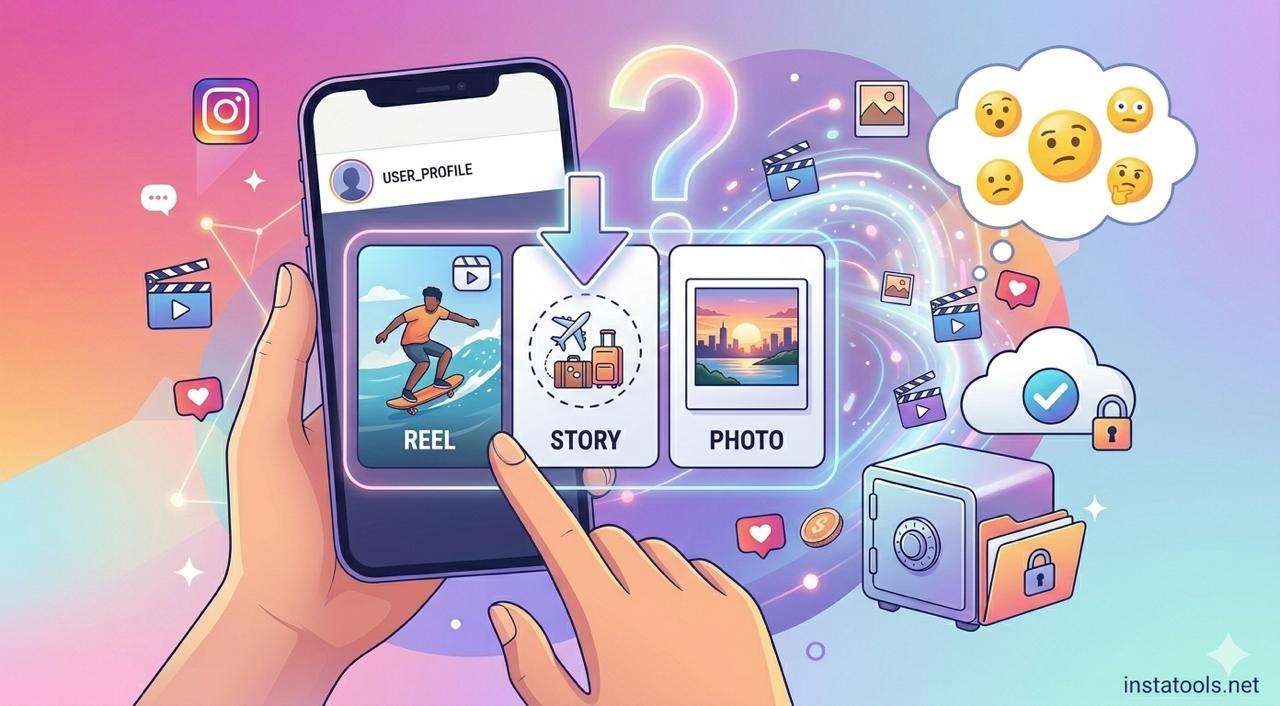
- It covers what you actually need. Reels, stories, photos, profile pictures — ideally from one place, so you’re not hunting down a new site every time.
- It’s not a pop-up minefield. Some popular tools throw two redirects and a fake “download” button at you before the real one. Every extra click is a chance to land somewhere you didn’t mean to.
The best free Instagram downloader for each type of content
Instead of juggling a different site for every task, we built InstaTools as one free, no-login set of tools that covers the lot. Here’s which one to grab.
Reels and videos
The Reels Downloader saves any reel or video from a public account in HD, straight to your phone or computer. Paste the link, download the file — no account, no watermark.
Stories and highlights
Stories vanish in 24 hours, so the Story Downloader is for catching one before it’s gone — your own, or one from an account you follow. It handles highlights too.
Profile pictures
Instagram shrinks profile photos into a tiny circle you can’t even tap to enlarge. The Profile Picture Downloader opens the full-size image so you can actually see it and save it.
Bios, fonts, and emojis
Want to copy a bio exactly as it looks — fonts, line breaks, emojis and all? The Copy Bio tool grabs the whole thing in one tap, something Instagram flatly won’t let you do inside the app.
Your own private reels
If your account is private, your content is still yours. The private video downloader saves reels and videos you already have access to. (No tool can reach a private account you don’t follow — that’s a privacy wall, and anything claiming otherwise is a scam.)
What about SnapInsta, SaveInsta, and the other big names?
They work — millions of people use them — but most come with the same headaches: a wall of pop-up ads, a “please disable your ad blocker” prompt before you can download, and regular downtime whenever Instagram tweaks its system. If you’ve ever searched “SnapInsta not working,” you already know the pattern. None of them are villains, but the ad-heavy ones do route you through pages worth being careful around. The answer is the same whichever you pick: use a clean, no-login tool and keep your browser’s protection switched on.
Is it safe and legal to use an Instagram downloader?
Safe, yes — as long as the tool doesn’t ask you to log in and you don’t install random apps. The risk in this space was never the downloading itself; it’s the dodgy sites and login traps built around it.
Legal is more nuanced. Saving content for your own offline use, backing up your own posts, or downloading from accounts you follow is generally fine. Reposting someone else’s photo or video as though it’s yours — with no credit or permission — can break Instagram’s rules and copyright law. Save freely; share thoughtfully.
The one rule worth repeating
If you take nothing else from this: never type your Instagram password into a downloader. No legitimate tool needs it, and that single habit rules out almost every scam in this corner of the internet.
FAQ
What’s the best free Instagram downloader with no login?
Any tool that works purely from a pasted link and never asks for your account. InstaTools covers reels, stories, photos, and profile pictures that way — free, and with no app.
Can I download Instagram videos without a watermark?
Yes. A good downloader saves the original file untouched, so there’s no added logo or watermark — just the video as it was posted.
Do I need an account to use a downloader?
No, and you shouldn’t use one that requires it. Link-based tools work without any Instagram login at all.
Can I download from a private account?
Only content you can already see while logged in — your own, or accounts you follow. No tool can pull from a private account you don’t have access to.
Is it really free?
Yes. The tools above are free, with no download limits and no sign-up.