
Does Instagram Notify When You Hide Your Story?
Does Instagram Notify When You Hide Your Story From Someone?
No. Instagram does not notify anyone when you hide your Story from them. The person receives no alert, no direct message, and no banner notification. Your active Stories simply stop appearing in their feed tray, leaving no direct operational trace of your action.
Tested on 10 September 2026 on iOS (version 348.0) and Android (version 348.0.0). Across all account tiers, hiding a user using native privacy controls executes silently on Meta’s servers.
What the other person actually sees
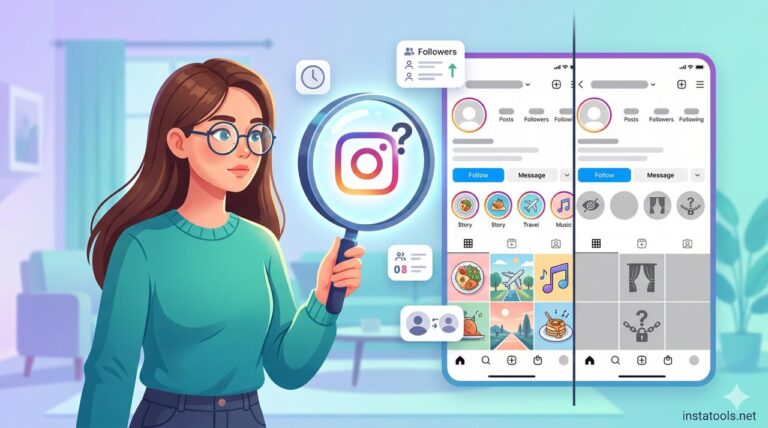
As of September 2026, an Instagram user hidden from your Stories experiences zero structural changes to your main profile grid. The target user can still see your profile photo, follower count, and regular feed posts without interruption.
Your profile picture simply loses the colorful active-story ring inside the user’s top navigation tray. If the user navigates directly to your profile, tapping your profile picture performs no action because no visible Story exists for their account.
Crucially, hiding a user from your Stories automatically hides your Story Highlights from that specific account. If you previously displayed Story Highlights beneath your bio, those highlight bubbles vanish instantly for the restricted viewer while remaining visible to everyone else.
| Instagram Action | Sends Direct Notification? | What the Other Person Sees |
|---|---|---|
| Hide Story from user | No | Profile photo has no Story ring; existing Highlights vanish from profile. |
| Remove from Close Friends | No | Green Story ring disappears; only standard public/follower content displays. |
| Direct Message block | No | Profile displays normally, but messages remain unread and calls drop instantly. |
| Screenshot disappearing DM | Yes | Starburst icon and alert appear inside the private Direct Message thread. |
| Screenshot normal Story | No | Nothing; no alerts or indicators are triggered. |
To archive your media before adjusting your visibility configurations, you can use the Instagram Story Downloader to secure offline backups directly to your device.

What Instagram DOES notify people about
Instagram sends notifications exclusively for active engagement triggers and vanishing private media captures as of September 2026. Meta limits user tracking alerts to direct interactions to balance engagement metrics with account privacy.
The platform alerts users when someone mentions their handle in a Story, tags their profile in a grid photo, or leaves a direct comment. If a user captures a screenshot of a disappearing photo or video sent via Direct Message in Vanish Mode, Instagram sends an immediate visual alert directly inside the conversation thread.
Standard Stories, profile grids, and regular reels do not trigger screenshot alerts. Users frequently confuse disappearing DM alerts with Story privacy rules, but the two systems use completely separate notification protocols.
How to check who you’ve hidden your Story from
Instagram maintains your active exclusion list directly inside your account privacy settings as of September 2026. You can review, add, or restore viewing permissions for individual accounts at any time without alerting the target users.
- Open Instagram on your mobile device and tap your Profile icon in the bottom-right corner.
- Tap the three-line menu icon in the top-right corner to open Settings and Activity.
- Scroll down to the “Who can see your content” section and tap Hide Story and Live.
- Tap Hide Story and Live from to reveal the full alphabetical directory of hidden accounts.
- Tap the checkmark next to any username to remove them from the list, or use the search bar to restrict additional accounts.
Changes apply immediately upon selection. Toggling an account off the exclusion list restores their access to both future Stories and your existing profile Highlights.

Whether they can tell in other ways
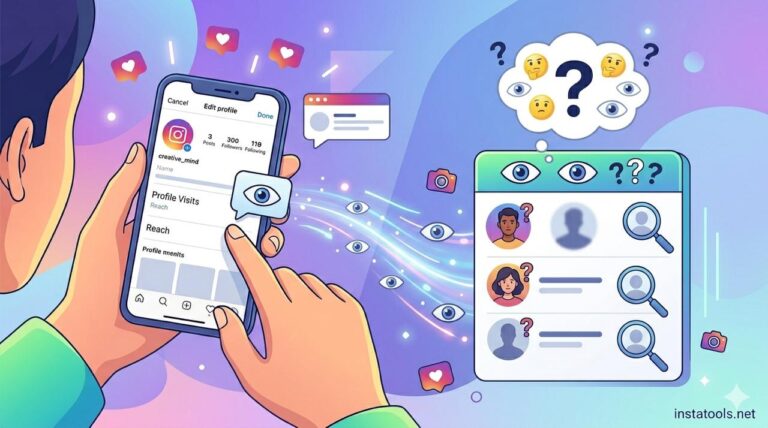
Instagram accounts cannot view internal privacy rosters, but users can deduce their restricted status through indirect context clues. When suspicion arises, simple observational patterns reveal hidden settings without an official system prompt.
The most glaring giveaway involves your Story Highlights. If a friend or contact previously noticed your saved Highlights, their sudden disappearance signals a privacy restriction rather than deleted media. If that user logs into a secondary account or views your public profile through a mobile browser, those Highlights reappear instantly.
Mutual social interactions also break privacy isolation. If a mutual friend references an active Story in conversation or sends your Story to the restricted user via Direct Message, the restricted user receives a “Story Unavailable” error upon tapping the link.
Frequently Asked Questions
Does Instagram notify someone when you hide your Story?
No. Instagram never sends an alert, push notification, or system badge when you add an account to your Hide Story list.
Can someone tell if you hid your Story from them?
Yes, through indirect signals. If you hide someone from your Story, your existing Story Highlights also disappear from your profile when viewed from their account.
Does Instagram notify if you screenshot a Story?
No. Instagram does not notify users when you screenshot or screen-record standard public or private Stories.
Does hiding someone from your Story block their profile?
No. Hiding someone from your Story leaves their ability to view your standard grid posts, send Direct Messages, and see your follower list completely intact.