Does tagging someone on Instagram bio notify them?
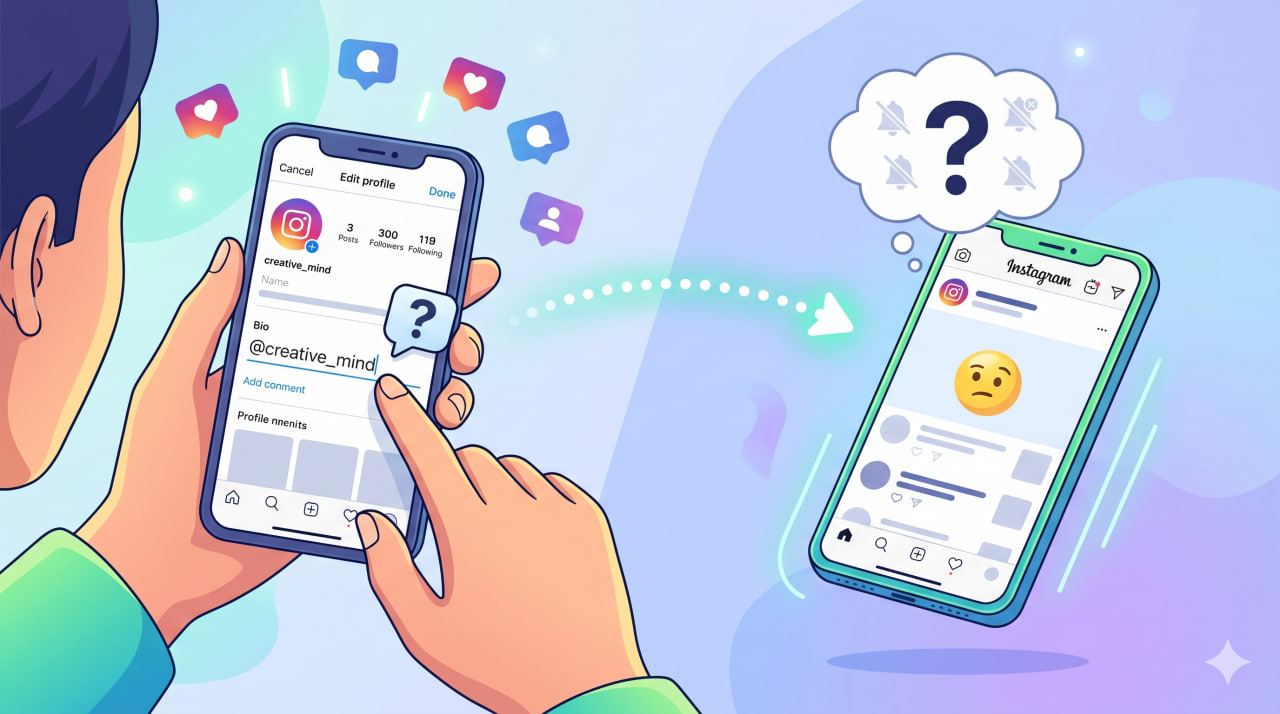
You update your Instagram bio, add an @username, and tap save. For a split second, you hesitate. Did that action trigger a notification, or did it go unnoticed? This quiet uncertainty is exactly why so many users search for answers about the Instagram bio tag notification.
Knowing whether someone is alerted, or not, can influence how you collaborate, credit others, or connect your accounts.
In this guide, we break down the facts behind bio mentions, explain how Instagram handles them, and reveal what truly happens behind the scenes, clearly, accurately, and without outdated assumptions.
What Does Tagging in Instagram Bio Mean in 2026?
Tagging in an Instagram bio refers to adding an @username directly into the bio section of a profile so it becomes a clickable reference to another account. This type of Instagram profile bio mention is part of how users connect accounts, highlight collaborations, or guide visitors to related profiles.
When you add a name to your bio, Instagram automatically turns it into an Instagram bio @username link. These links are interactive, meaning users can tap them and instantly visit the mentioned profile.
This functionality is built into the Instagram bio tagging feature, making bios more dynamic without changing how content appears in the feed. However, bio tagging works very differently from other types of mentions on Instagram.
Read more: Your Instagram profile picture is like a digital business card; the right size will make all the details clear, and your profile will look professional. To find out the details, click on “What Is the Best Instagram Profile DP picture?” and learn all the important tips!
Does Tagging Someone in Instagram Bio Notify Them?
The answer is clear and definitive: No, Instagram does not send an Instagram bio tag notification when you add someone’s username to your bio.
To answer the question of why Instagram doesn’t notify bio tag, there is no alert, no inbox message, and no system signal sent to the mentioned account. In other words, the Instagram bio mention notify user functionality does not exist. Even if you carefully add an @username and save your profile, nothing is pushed to the other person’s notifications.
So, if you’re wondering whether you can tag someone @ in an Instagram bio notification and expect them to notice automatically, the answer is no.
Read more: If you’ve ever wondered how long your Instagram bio can be or whether you can write unlimited characters in it, our article on “Can Your Instagram Bio Have Unlimited Characters?” will show you all the details and possible tricks.
How Bio Mentions Are Different from Other Instagram Mentions?
To understand Instagram bio tag notification clearly, it’s important to compare Instagram mentions vs tags across different areas of the platform:
- Tag in post: When you tag someone in a post, their username is attached to the image or video itself. This is considered an active interaction and is part of the standard profile bio interaction on Instagram only when users engage with content, not profiles.
- Mention in caption: Mentioning someone in a caption happens within a post’s text. These mentions are tied to content performance and visibility in feeds, not profile structure.
- Story mentions: Story mentions are time-sensitive and designed for immediate engagement. They are interactive, temporary, and treated as real-time communication.
In contrast, bio mentions are static. They exist outside the content stream and don’t compete for attention in feeds or stories.
Why Instagram Bio Mentions Don’t Trigger Notifications?
Instagram treats profile bios very differently from content areas like posts and stories. The main reason lies in how the platform defines interaction and attention.
Here’s why bio mentions remain silent mentions on Instagram:
- The bio is a static profile element: A bio is not designed for ongoing interaction. It functions as a fixed reference point on a profile, which is why changes to it do not activate the Instagram notification system.
- Notifications are reserved for real-time interactions: Alerts are mainly triggered by actions that require immediate response, likes, comments, follows, messages, or story mentions. Since bio mentions don’t create direct engagement, they fall outside standard Instagram user interaction types.
- Instagram prioritizes feed and stories: Most platform activity happens in the feed and stories, where visibility and timing matter. Bio mentions sit outside this ecosystem, which explains the difference between Instagram bio tags and mentions in content versus profiles.
- Profile interactions are passive by design: A bio mention supports navigation and discovery rather than conversation. This approach enables Instagram engagement without notification, allowing users to connect accounts quietly.
Because of this structure, Instagram keeps bio mentions informative but non-disruptive, helping users build profile connections without triggering unnecessary alerts.
Read more: If you’ve ever tried to change your profile picture and been frustrated, the good news is that we have a solution! To find out the exact answer, check out Why won’t my Instagram profile picture update? and discover all the golden tips.
Can the Tagged Person See the Instagram Bio Mention?
Yes, the tagged person can see the bio mention, but only if they visit your profile. Since bio mentions do not trigger Instagram bio tag notifications, visibility depends entirely on profile visits rather than notifications.
Here’s how Instagram bio mentions work:
- The mention is visible on your profile: The username appears directly in the bio as part of the Instagram bio mention visibility, making it easy to spot for anyone who views the profile.
- The username is fully clickable: Thanks to clickable usernames in Instagram bio, the mention functions as a direct link. Tapping it instantly opens the tagged account, strengthening Instagram profile connections.
- It can drive profile traffic: Bio mentions play a role in Instagram profile discovery by guiding visitors from one profile to another. Even without alerts, this creates meaningful exposure and increases Instagram profile visibility over time.
Because of this setup, bio mentions are designed to support discovery and navigation, not immediate interaction. They quietly connect profiles while leaving control in the hands of the viewer.
What to Do If You Want Them to Notice Your Tagging on Instagram Bio?
If your goal is visibility alone, an Instagram bio mention notification is enough. But if you actually want the other person or brand to notice you, Instagram bio tag notification won’t do the job on its own. Since it doesn’t trigger alerts, you’ll need more direct interaction methods.
Here are effective alternatives that do create attention:
- Mention in Stories (with notification): Story mentions are time-sensitive and interactive. When you mention someone in a story, Instagram sends a direct alert, making this one of the fastest ways to get noticed.
- Tag in a post: Tagging an account in a post connects their username to your content. This method encourages engagement and is more visible than profile-based mentions.
- Send a DM: A direct message removes any uncertainty. It’s the most reliable option when communication, not just visibility, is the goal.
- Use Instagram Account Linking in Bio tools: Tools like link-in-bio platforms help organize multiple connections in one place. This supports discovery while aligning with broader Instagram bio updates and features designed for profile optimization.
Choosing the right method depends on whether you want quiet visibility or active engagement. Knowing the difference helps you use Instagram more strategically and avoid waiting for notifications that will never arrive.
Read more: Curious about the methods for zooming your profile picture and seeing its details? We’ve explained everything in Enabling Profile Picture Enlargement.
Conclusion
Tagging someone in your Instagram bio is designed for visibility, not interruption. It does not trigger alerts or direct attention, but instead creates a quiet, clickable connection that works through profile visits and discovery.
Understanding how Instagram bio tag notification really works helps you choose the right interaction method and avoid expecting responses that were never meant to happen.
Let’s talk honestly! Have you ever tagged someone in your bio expecting them to notice? Do you prefer quiet bio mentions or direct story tags when you want attention? Drop your experience in the comments; your insight might help someone else avoid the same mistake.