How to get full picture on Instagram profile pic?
Picture this: you’re scrolling through Instagram when a tiny, cropped circle catches your eye. You think, what secrets does this hidden photo hold? By learning how to get full picture on Instagram profile pic, you can finally reveal every detail, every expression, every pixel of the original image.
It’s like lifting a veil on someone’s digital story, giving you clarity you didn’t know you were missing. In this guide, we’ll unlock the ultimate tools, tricks, and tips to see, zoom, and download profile photos in full glory, perfect for casual viewers and social media pros alike.
Why You Can’t See the Full Profile Picture Natively?
Instagram doesn’t offer a way to get full picture on Instagram profile pic, so details often remain hidden. This limitation is due to cropping, compression, and privacy settings.
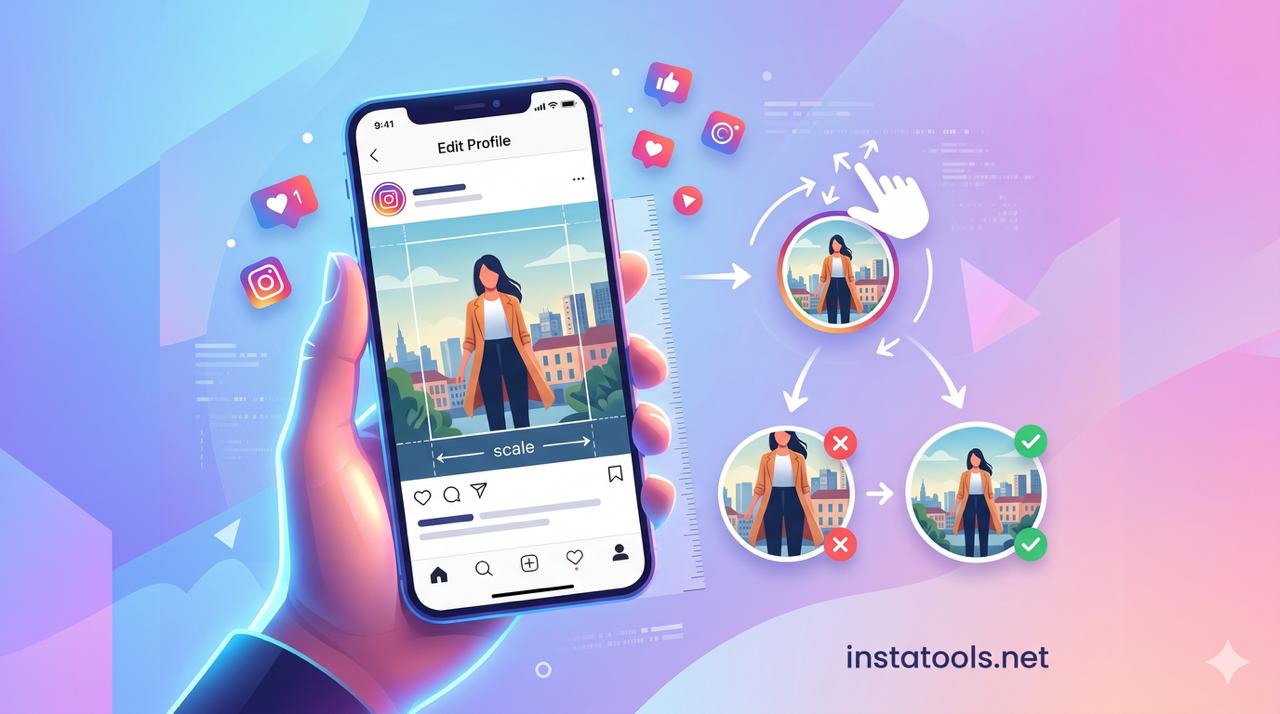
- Circular Cropping: Every profile photo is automatically cropped into a circle. If someone uploads a group photo, only the center appears, and the friends on the edges vanish.
- Image Compression: Instagram reduces image resolution to save space and improve loading speed. A high-quality 1080×1080 image might look slightly blurry when viewed on a mobile device.
- Privacy Protection: Limiting full-size visibility helps prevent misuse or unauthorized downloads. Even on public accounts, strangers cannot easily copy the full rectangular photo without third-party tools.
- Limited Original Display: Even if your account is public, the combination of cropping and compression hides details. A profile with a logo or a decorative background might only show a tiny, indistinct portion.
These factors make third-party tools essential for anyone who wants to view Instagram profile picture in full size. Such tools allow you to safely bypass restrictions and see the photo as it was originally uploaded.
How to Download Profile Photos in Full Size?
Get full picture on Instagram profile pic can seem tricky at first, but with the right steps, it’s actually very simple. Here’s a detailed guide:
- Choose the Right Tool: Start by selecting a trusted tool from the list above. Make sure it supports downloading the Instagram DP profile picture and maintains the Instagram profile photo quality. Choosing a reliable platform ensures the image doesn’t lose clarity or get distorted.
- Copy the Profile Username or URL: Navigate to Instagram and find the account whose profile picture you want to view. Copy the username exactly as it appears, or copy the URL of the DP by tapping on the share icon. Avoid guessing or typing manually, because even a single typo can lead to an error or an incorrect profile.
- Paste the copied data in the Tool: Open your selected platform and paste the username. Most tools instantly generate the full-size image. This is where features like the Instagram DP profile picture downloader come into play. Some platforms even provide an Instagram profile picture preview so you can check the image before downloading.
- Preview, Zoom, and Adjust: Use the Instagram profile picture zoom tool to enlarge Instagram profile photo. Make sure the edges aren’t blurry or distorted. Tools like Insta profile pic full screen viewer allow you to zoom without losing clarity. If needed, adjust the image using an Instagram image resizer for profile pic to ensure the Instagram profile image dimensions are optimal.
- Download if Needed: Once satisfied with the preview, click get full size Instagram DP or the download button. Trusted platforms will offer a free downloader option while preserving the ability to view Instagram DP in original quality. Some tools may also let you choose the format or resolution before downloading.
- Optional, Optimize for Your Use: If you plan to use the image for presentations, printing, or profile comparisons, consider editing it with safe tools that maintain quality. Checking the Instagram profile photo resolution and Instagram avatar size before use helps ensure the image looks perfect wherever you display it.
Best Tools to Download Instagram Profile Pictures in Full Size
When it comes to downloading Instagram profile photos, using reliable and well-known tools to get full picture of the Instagram profile pic is essential.
Below are some of the most established and widely used Instagram full-size profile picture tools and websites.
- InstaTools.net: A fast and easy-to-use tool that allows users to view and download Instagram profile photos in high quality. It’s ideal for those who want quick access without logging in, and it works well for extracting profile images from public accounts.
- app: One of the most popular and long-standing tools for viewing profile photos in high quality. It works as an Instagram profile pic viewer in full resolution, allowing users to extract and enlarge profile images quickly without requiring a login.
- io: A well-known platform primarily used for stories, but also reliable for profile photos. It allows users to see full profile photos on Instagram online and download images in original resolution with a simple username search.
- SnapInsta.to: A trusted and frequently updated service that supports profile picture viewing and downloading the Instagram DP profile photo. It’s known for a clean interface and fast processing.
- indown.io: A minimal and user-friendly tool, suitable for users who want quick access without extra steps or software installation.
- igsnapinsta.com: A reputable social media utility site offering a free Instagram profile picture downloader. It focuses on public accounts and supports HD-quality downloads while maintaining simplicity.
- save-free.com Instagram Profile Picture Viewer: Known mainly for Instagram growth tools, save-free also provides a stable and secure profile picture viewer. It’s often considered the best Instagram profile pic viewer website due to its smooth navigation and reliability.
- ThumbTube (Instagram DP Viewer section): A multi-purpose media viewer that includes a solid Instagram profile photo feature. It allows users to see Instagram profile photo in full size without quality loss.
- com: Offers a free online image resizer with presets for Instagram, useful for adjusting photos before uploading or downloading.
- Simple Image Resizer: Lets you resize images without distortion, maintaining the proper Instagram profile picture size and proportions.
- PhotoAiD Instagram Profile Photo Maker: Provides expert verification to ensure you get a full picture on your Instagram profile pic and it looks perfect, preserving clarity and composition.
These trusted tools make it easy to show full Instagram profile picture, enlarge images, and download them safely, all while maintaining original quality and avoiding common issues like Instagram profile picture blur issue and Instagram profile photo cropping problem.
Read more: Seeing a perfect profile picture is only half the battle! If you want to know which photos make the most impact on your audience and why some profiles are unforgettable, don’t miss this article: What Are the Best Instagram Profile DP picture?
Conclusion
Unlocking the secrets to get full picture on Instagram profile pic allows you to see every detail, preserve image quality, and download profile photos safely.
With the right tools, you can overcome cropping, compression, and privacy limitations to enjoy profiles exactly as intended. Mastering these techniques gives you full control over your Instagram viewing experience.
Have you tried viewing a profile picture in full size before? Which tool from this guide would you use first, and why? Don’t miss out on seeing every detail. Download your favourite Instagram profile photo now!