Can People See Your Instagram Bio If Your Account Is Private?
Instagram private account bio visibility instantly triggers curiosity, just like Instagram bio visibility rules. You switch your account to private, expecting silence, control, and invisibility. But what if that sense of privacy is only an illusion?
While posts vanish behind approval walls, certain profile details quietly remain exposed. In this deep dive, we reveal what truly stays visible on a private Instagram account, and why your bio might be telling more than you think.
You might think a bio is just a few lines of simple text, but when it comes to saving or reviewing it, the details matter. For this, the instatools is the best choice.
Is It Possible to See Bio of a Private Instagram Account?
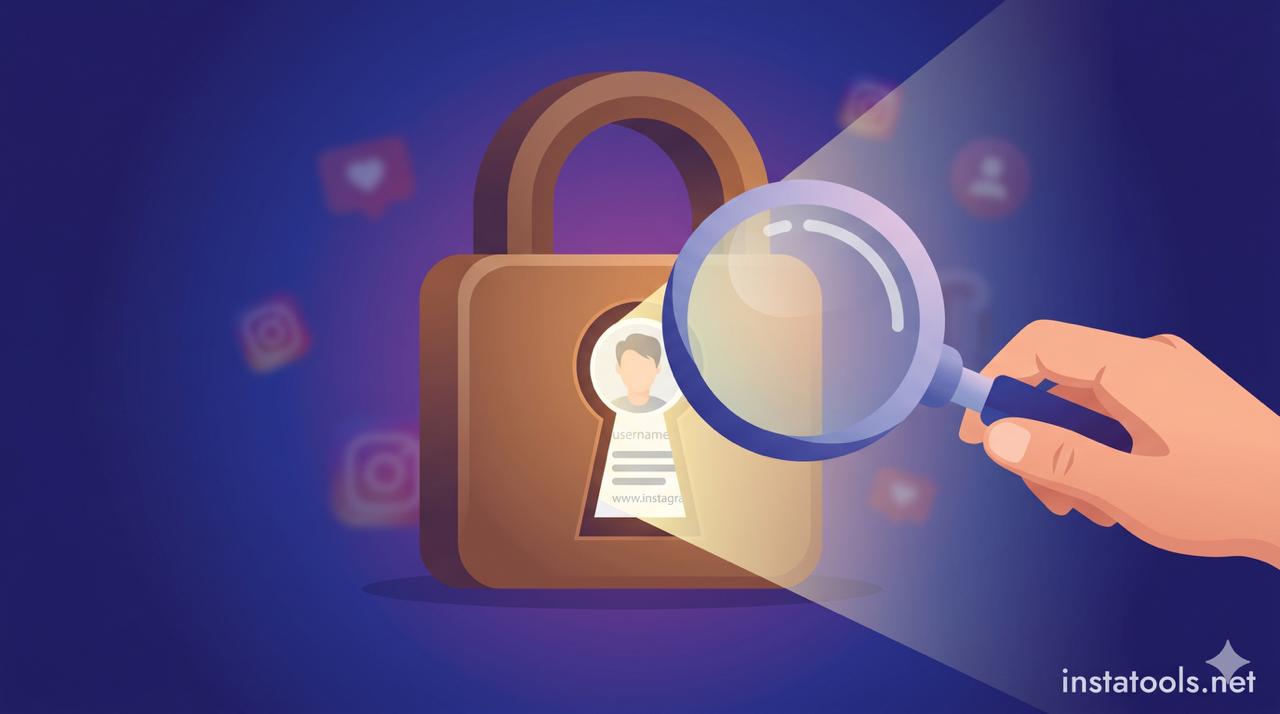
The central question is, can people see an Instagram bio on a private account, and the answer may surprise you: yes. Switching your account to private does not hide your bio.
Unlike posts or stories, your bio functions as part of your public identity, helping others understand who you are before sending a follow request. This is a key aspect of Instagram private account bio visibility.
In practice, this means:
- Anyone can read your bio without following you
- Your bio helps prevent fake or misleading follow requests
- Instagram uses bios for search and profile discovery
So, while your posts and stories are protected, your bio remains visible, by design. For example, if your bio says “Book Lover & Amateur Chef,” a non-follower scrolling through Instagram or searching hobby-related profiles can instantly understand what you’re passionate about.
Without seeing a single post, they already know you enjoy books, creativity, and food culture. This quick snapshot helps them decide whether your profile feels relatable or worth following, turning just a few words into a powerful first impression, even behind a private account.
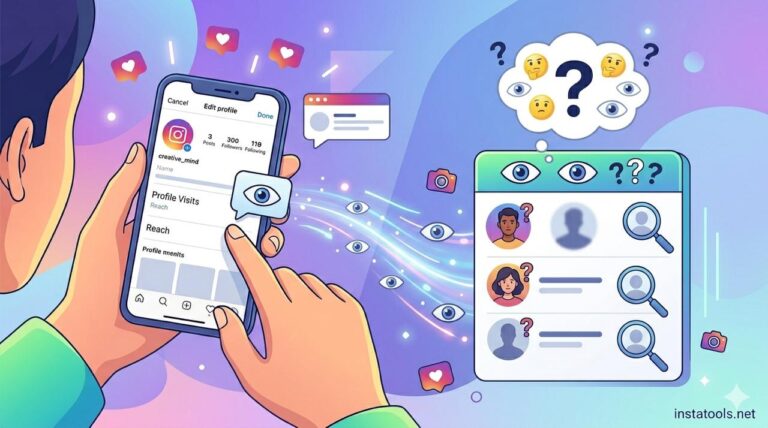
Read more: Curious to know if you tag someone in your Instagram bio, will they be notified? Find out in our article with details!
What Non-Followers Can See on a Private Instagram Account?
Even with a private account, certain profile elements remain visible to non-followers. Understanding Instagram private account bio visibility, along with Instagram public vs private profile info, is key to managing your privacy without over-restricting your account.
While your posts, Reels, and Stories are hidden, other Instagram private profile details serve as public identifiers and are intentionally accessible. This is why many users ask Is Instagram bio visible to non-followers or want to know what exactly can be seen.
Non-followers can typically see:
- Profile photo: This represents you to everyone. A professional headshot signals credibility, while a casual selfie conveys personality.
- Username and display name: Fully searchable and appear in Instagram search results, part of Instagram profile information visibility.
- Bio text: Every word is readable. For instance, “Traveler & Photographer” communicates interests without needing followers, illustrating Instagram bio visibility for non-followers.
- Website link or contact info: If included, it is visible to anyone. Be cautious with public information on private Instagram profiles.
- Category labels: For business or creator accounts, your niche, such as “Artist” or “Fitness Coach,” is displayed.
- Bio emojis and symbols: These remain visible and help express personality without sharing sensitive data, showing clearly that non-followers can see the Instagram bio in action.
This structure ensures that people can get enough context about your identity before deciding to follow you.
For example, if you want to know if an Instagram bio is public even if the account is private, a bio like “Foodie & Travel Blogger” is always visible. This highlights a private Instagram account’s public information and why Instagram profile bio access is intentionally open.
- Even users exploring profile details on Instagram should remember that bios often communicate more about you than the posts themselves.
Read more: Want to make your Instagram bio look more attractive and neater? Learn how to make your Instagram bio multi-line and showcase important information without clutter!
Tools and Platforms That Show Public Instagram Profile Information
Many users assume that the only way to view an Instagram bio is directly inside the app. In reality, several platforms and external surfaces can display public Instagram profile information, even when an account is private.
This often creates confusion about Instagram private account bio visibility, so one point needs to be clear from the start:
- These tools do not bypass Instagram privacy settings and bio visibility. They only show what Instagram already allows to be public.
Understanding where and how your bio appears outside the Instagram app helps you better manage what you write there. Common ways public bios are viewed:
- Instagram search & profile previews: When someone searches your username or display name, your profile preview, including your bio, appears instantly, even before they tap “Follow.”
- Google search results: Public Instagram bios are sometimes indexed by search engines. Searching for a username may show a short bio snippet directly in search results.
- Username-based profile viewers: Certain third-party websites allow users to enter a username and see publicly available profile details such as bio text, profile photo, and category labels. These tools cannot display posts, stories, or private content.
- Social media preview tools: Platforms used for link previews (such as when sharing a profile link in messaging apps) often pull bio text and profile images automatically.
- Link-in-bio aggregators: If you use external bio links, the description connected to your Instagram profile may be visible through those services as well.
Why this matters:
Because your bio travels beyond Instagram itself, it becomes more than just an in-app description. It acts as a public identifier across platforms, reinforcing why thoughtful wording and limited personal details are essential, especially on private accounts.
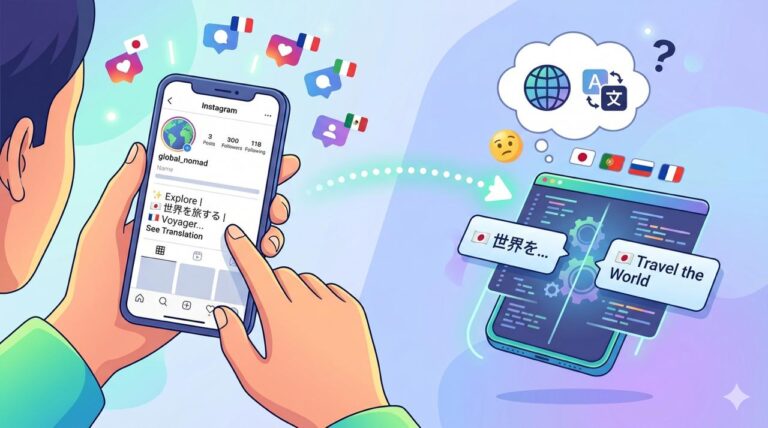
Read more: If you’ve ever seen the “See Translation” option appear under your bio, you might be curious as to why. The “Why Does My Instagram Bio Have “See Translation?” is the answer of your question.
How to Keep Your Instagram Bio Private and Safe?
Even though Instagram doesn’t allow hiding your bio completely, you can control what information you share to protect your privacy.
This is particularly important for users who focus on privacy while exploring content, as it directly relates to Instagram private account bio visibility.
Here are practical strategies to secure your bio:
- Limit personal details: Avoid phone numbers, addresses, or sensitive emails. Use a business email or leave it blank.
- Use general descriptions: Replace specific locations or workplaces with broad terms, e.g., “Digital Creator” instead of “Graphic Designer at XYZ Company.”
- Minimize clickable links: Every website link in your bio is public. Use aggregators cautiously.
- Leverage emojis and symbols: Communicate personality without revealing identifying details.
- Regularly review your bio: Remove outdated information that might reveal routines or habits.
By following Instagram bio visibility policy, you maintain a private Instagram profile bio visibility while minimizing risk. Even when your followers are approved, and content is hidden, your bio remains the most visible part of your profile, so careful management is key.
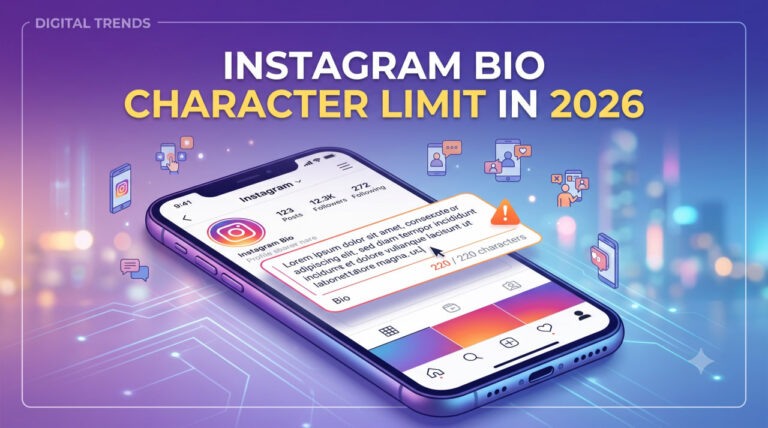
Read more: Do you think your Instagram bio can have an infinite number of characters? Find the answer to this question and important tips for writing professional bios in our article on the number of characters in an Instagram bio!
Conclusion
Even on a private account, your Instagram bio remains a public window into your identity, highlighting the importance of Instagram private account bio visibility. Being mindful of what you include ensures a balance between privacy and discoverability.
Thoughtful bios can communicate personality, interests, and credibility without exposing sensitive content.
Have you ever checked who really sees your bio on Instagram? Would you change anything in your public bio after learning this? Share your tips for keeping an Instagram bio safe without losing personality. Tell us how you manage your Instagram privacy and what works best for you.